
Nextleg

AI-first trip management. No more admin.

Forward your booking emails and Nextleg builds your itinerary, with live flight tracking.

Get the app
Forward it.

Forward it

You get your own Nextleg address. Send it the confirmation and it lands on the right day of the right trip, attachment and all.

Flights Hotels Trains Gigs and dinners

Ask it.

Ask it

Right from the AI chat you already use. Ask what’s next, or tell it to add a flight.

On time. Gate B42.

Snap it.

Snap it

Drop in a screenshot or a PDF. Dates, times and the booking reference come straight out of it.

Ref X7KQ2M

A traveller looking out over a still lake at dusk

Name it.

Name it

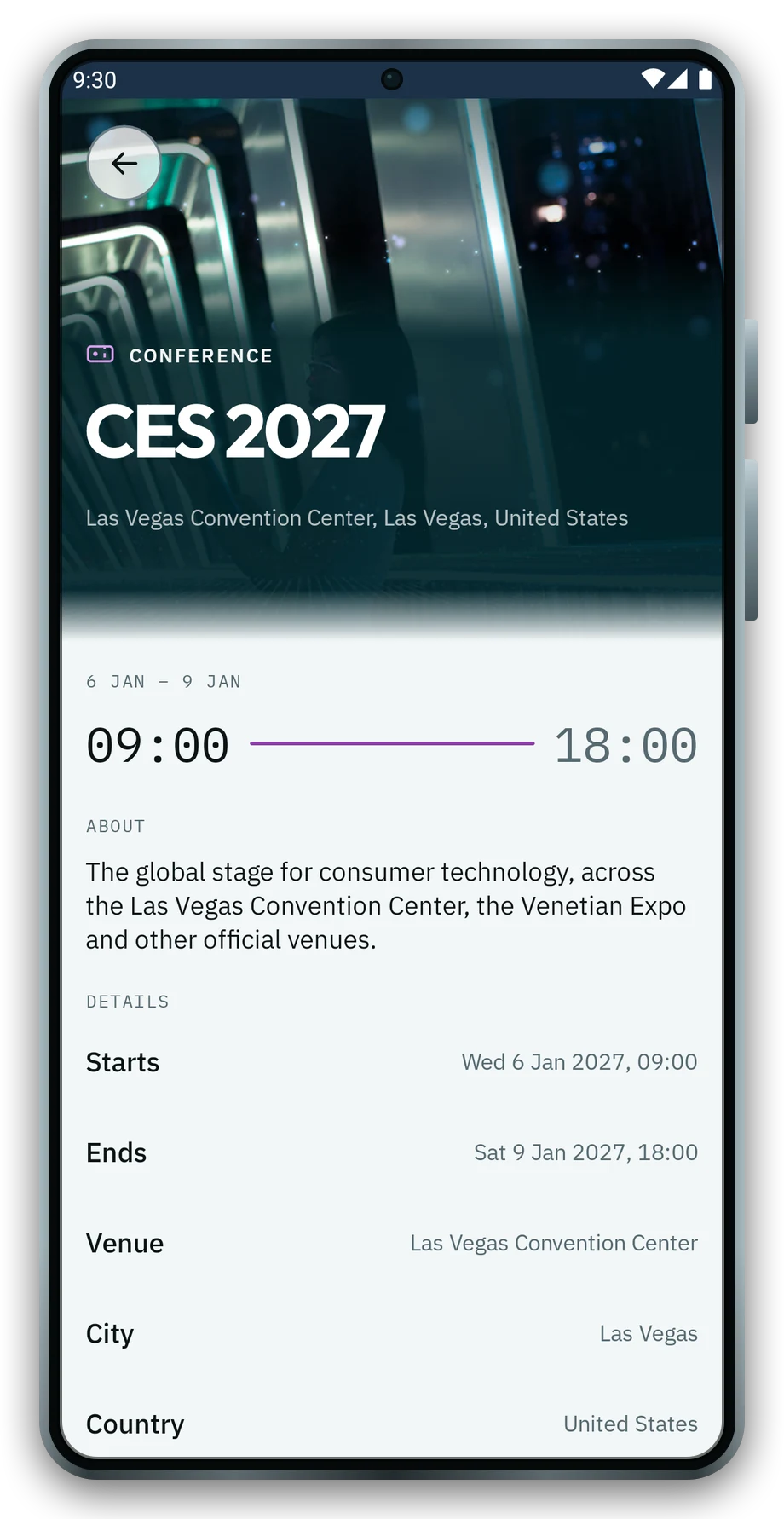
Type the festival, the match, the conference. The dates and the place are found for you, and the trip starts around it.

Found on the web.

Type the flight.

Type the flight

A flight number and a date. Airports, times and terminal fill themselves in. On Pro, it’s watched until you land.

EK29 · DXB → LHR · 15:40

Bring every old trip.

Bring every old trip

Moving from TripIt? Bring every trip with you, back as far as it goes, and see everywhere you’ve been on one map.

Nothing to retype.

What’s inside.

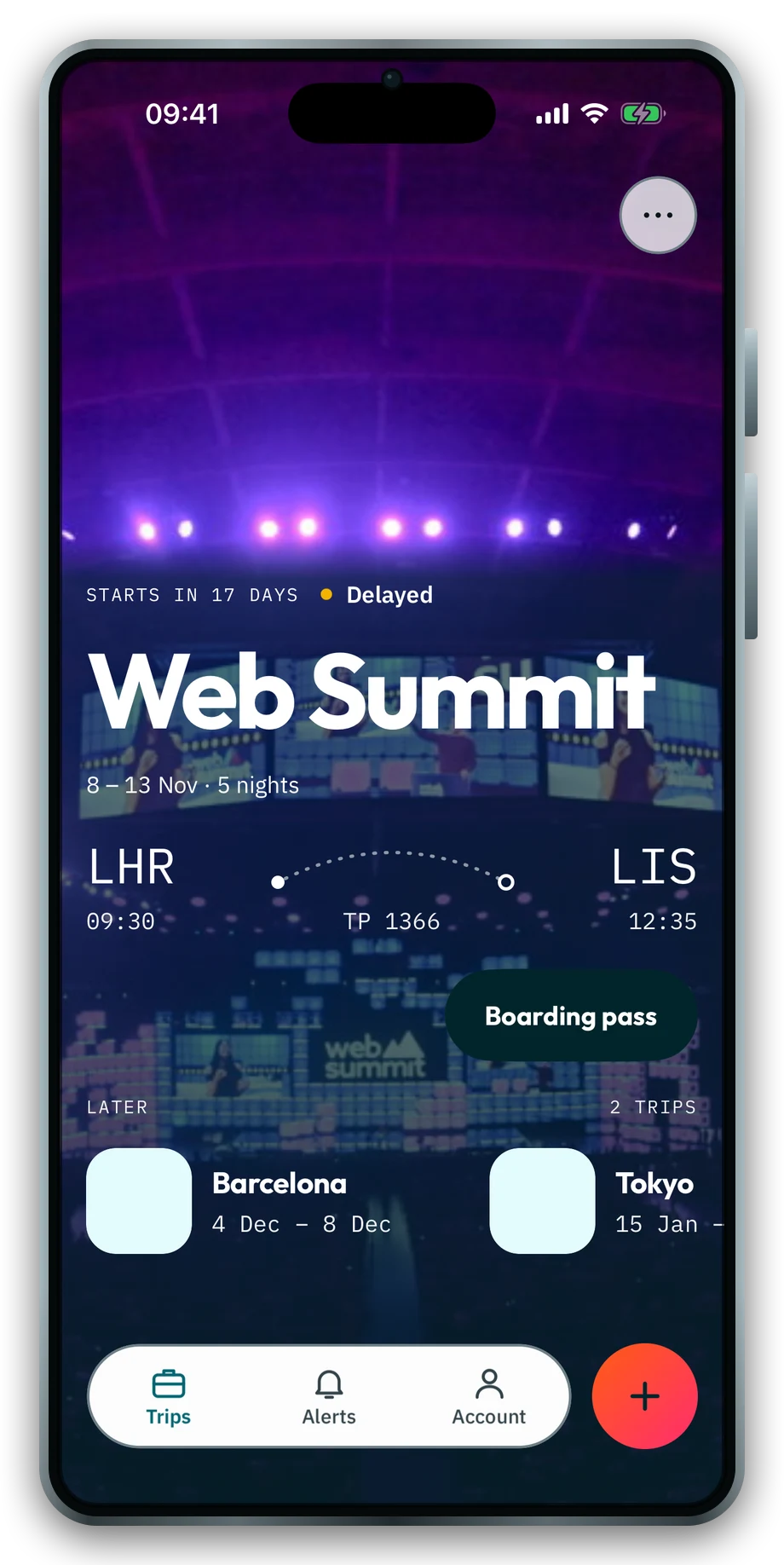
The Nextleg trips list on a phone: the next leg shown as a large card over a trip cover photo, reading ‘Web Summit’, 8–13 Nov, a Delayed badge, flight TP1366 from London Heathrow to Lisbon with a Boarding pass chip, and two more trips, Barcelona and Tokyo, below.
Your trips, next one first.
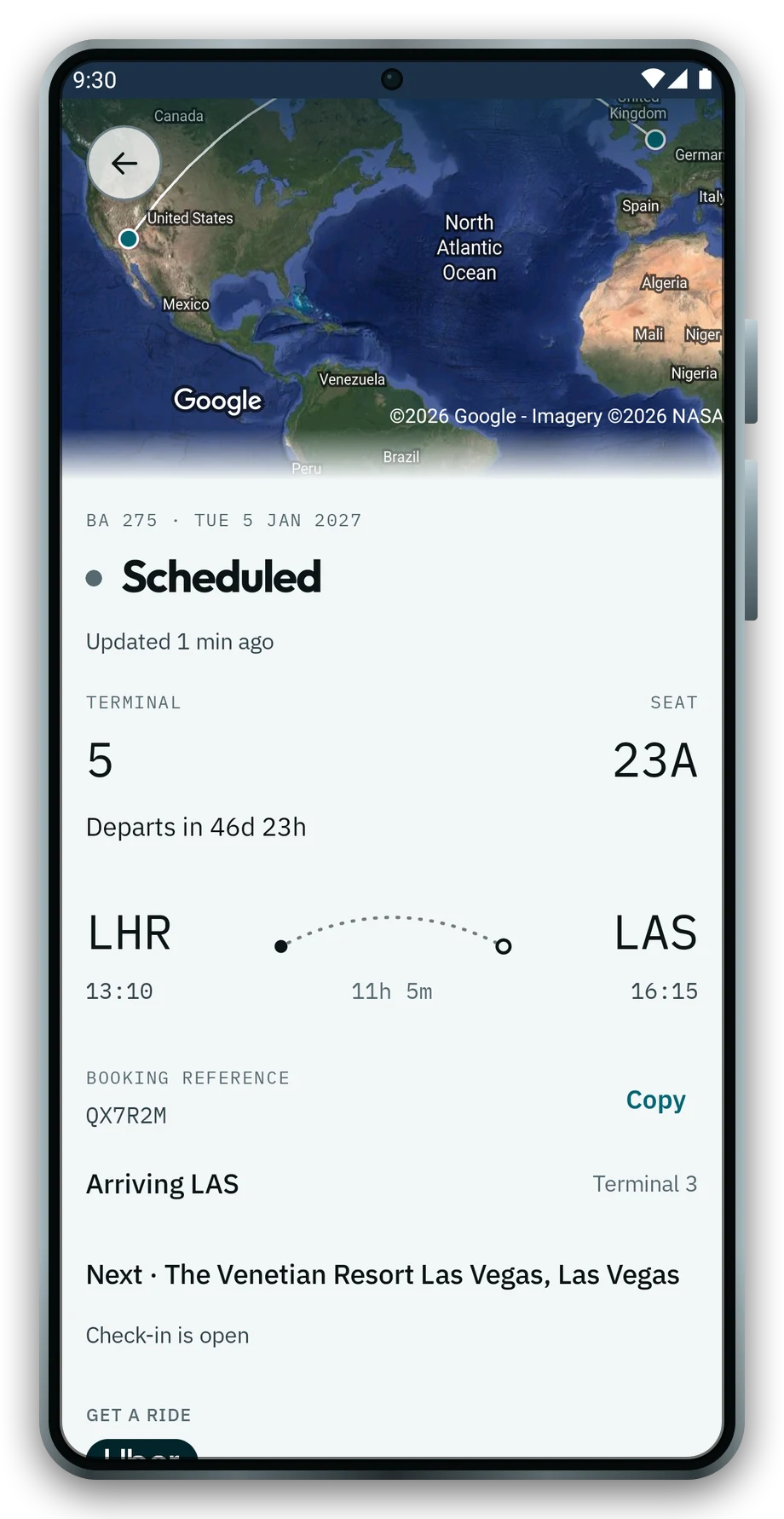
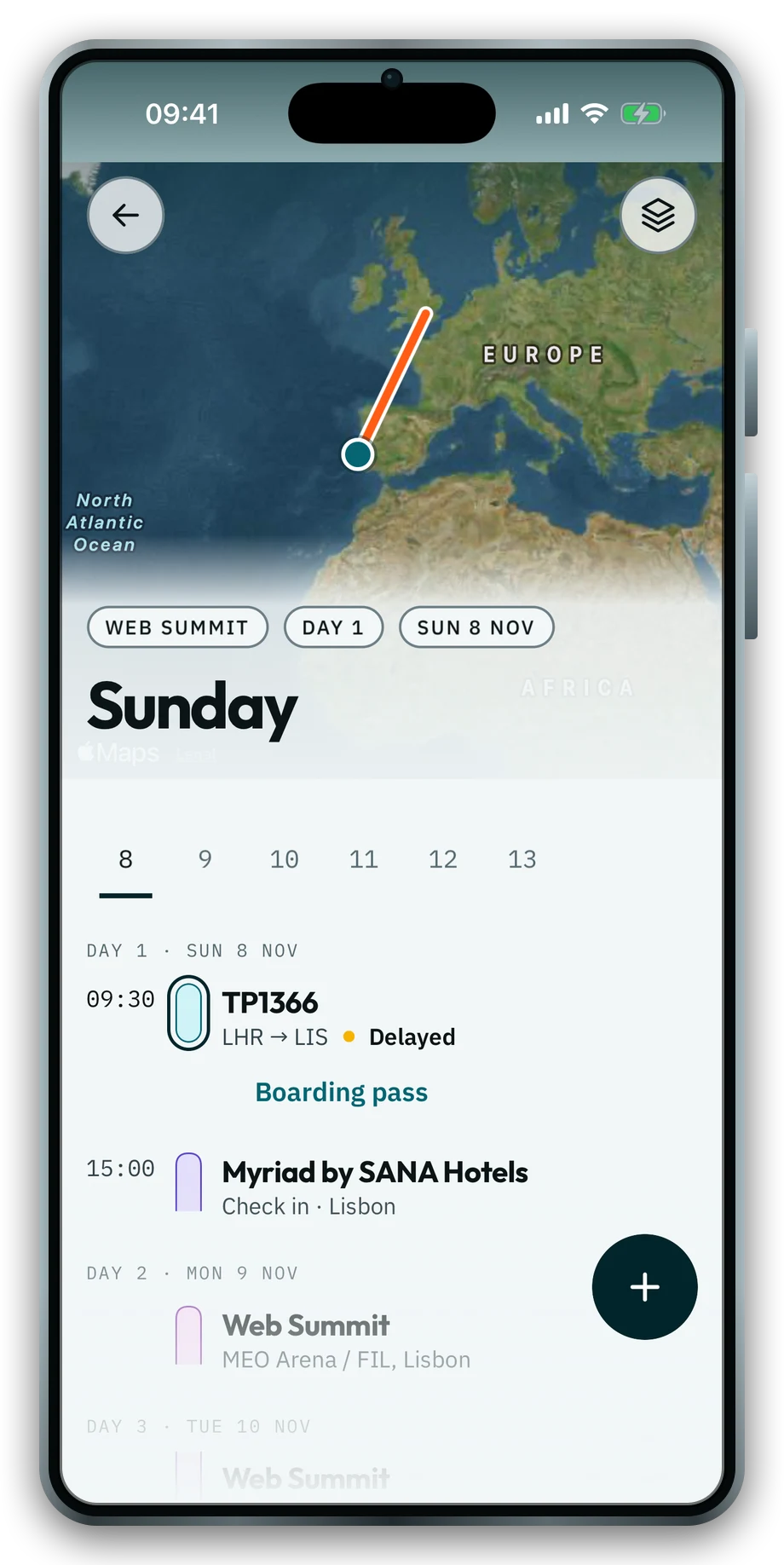
A trip in Nextleg on a phone: a satellite flight-path map from London to Lisbon, above a day-by-day itinerary showing flight TP1366 marked Delayed with a Boarding pass link, Myriad by SANA Hotels check-in, then the Web Summit conference at MEO Arena / FIL.
One trip, map and all.
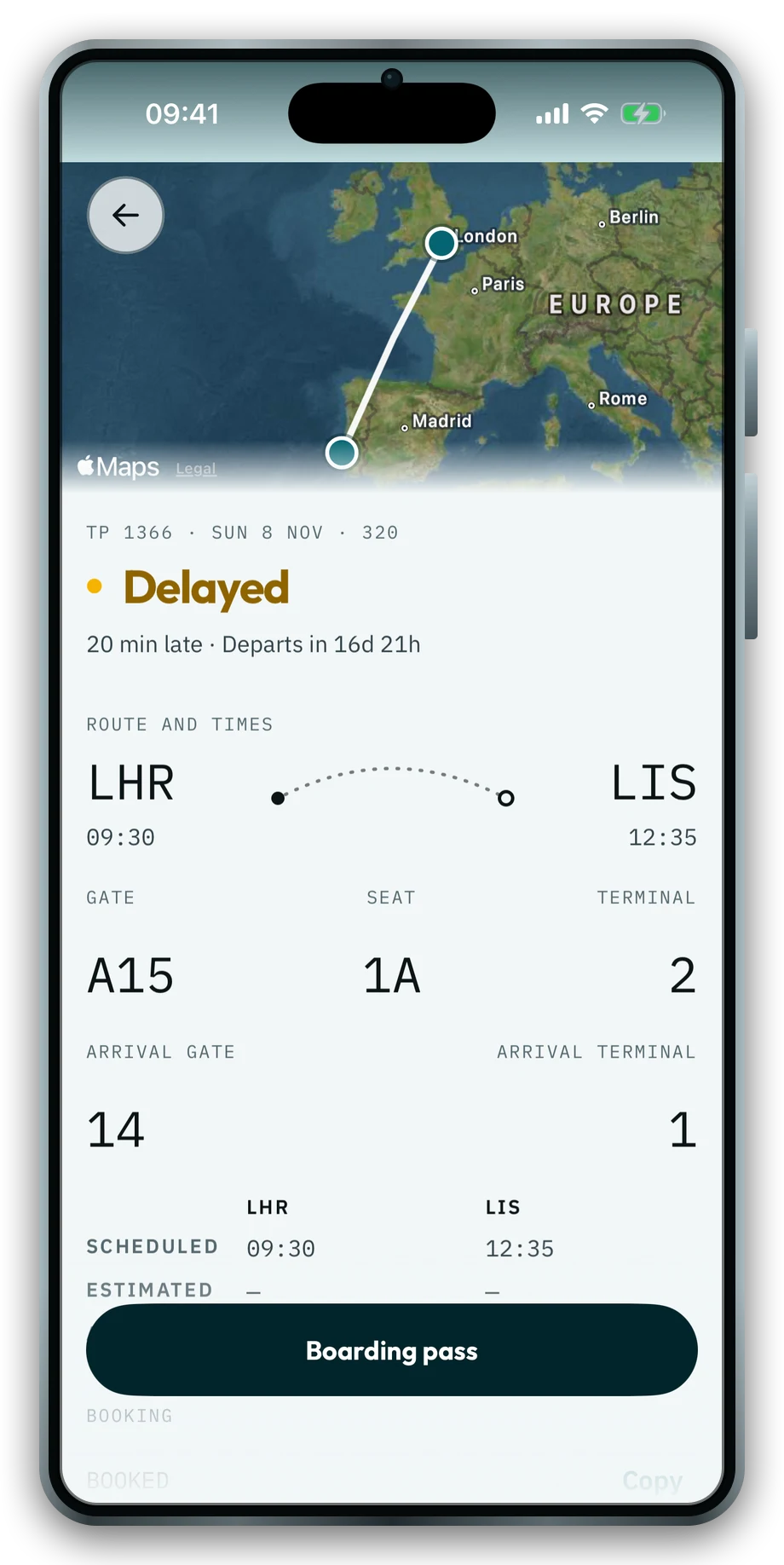
Flight TP1366 in Nextleg on a phone, marked Delayed: London Heathrow to Lisbon, with terminal, gate A15, seat 1A, and scheduled, estimated and actual times.
Gate, seat and real times.
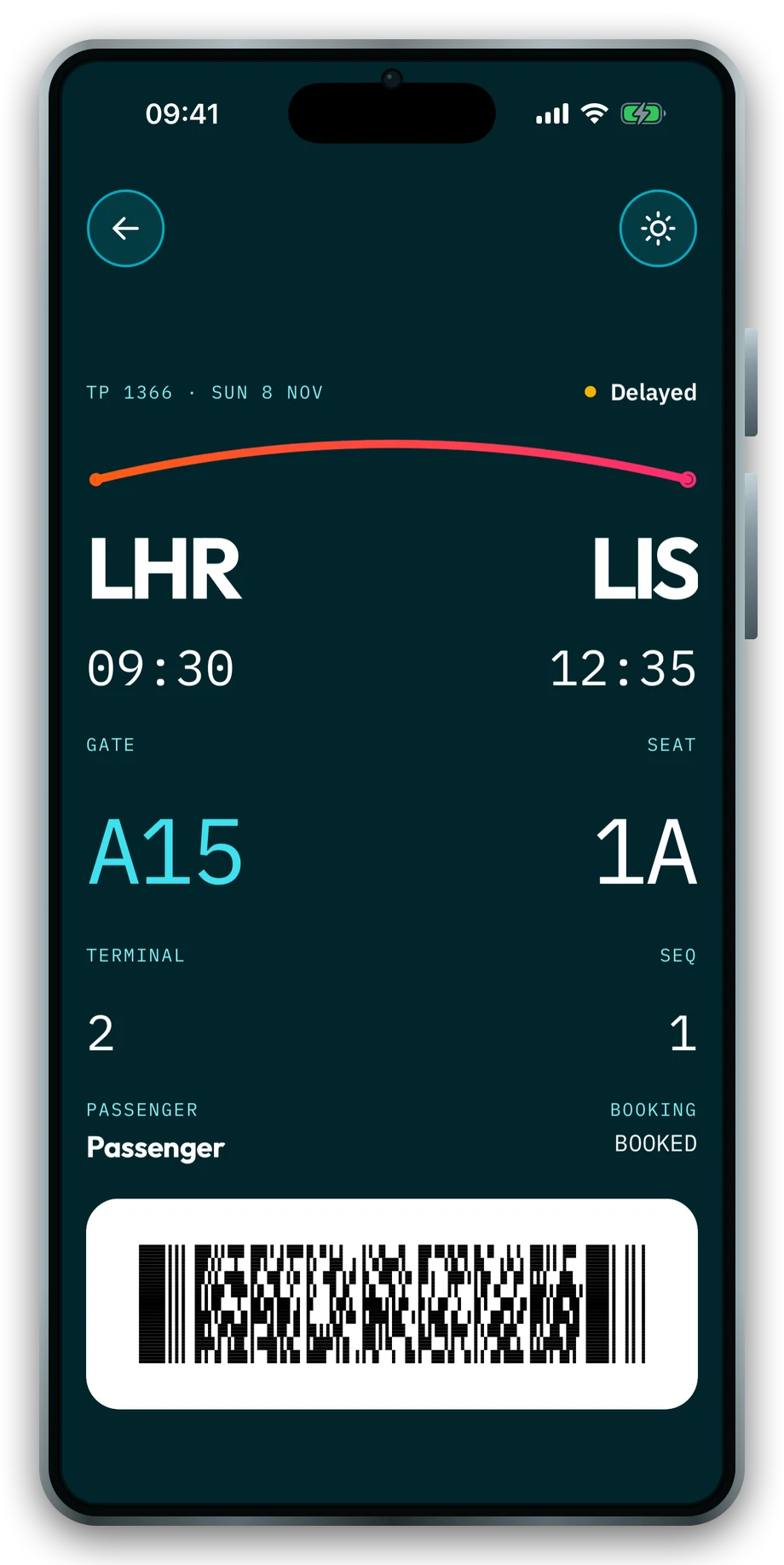
A boarding pass in Nextleg on a phone, drawn as a ticket: TP1366 London Heathrow to Lisbon, seat 1A, terminal 2, with the barcode decoded from the airline’s own email and redrawn sharp on a white plate.
Boarding passes, redrawn sharp.
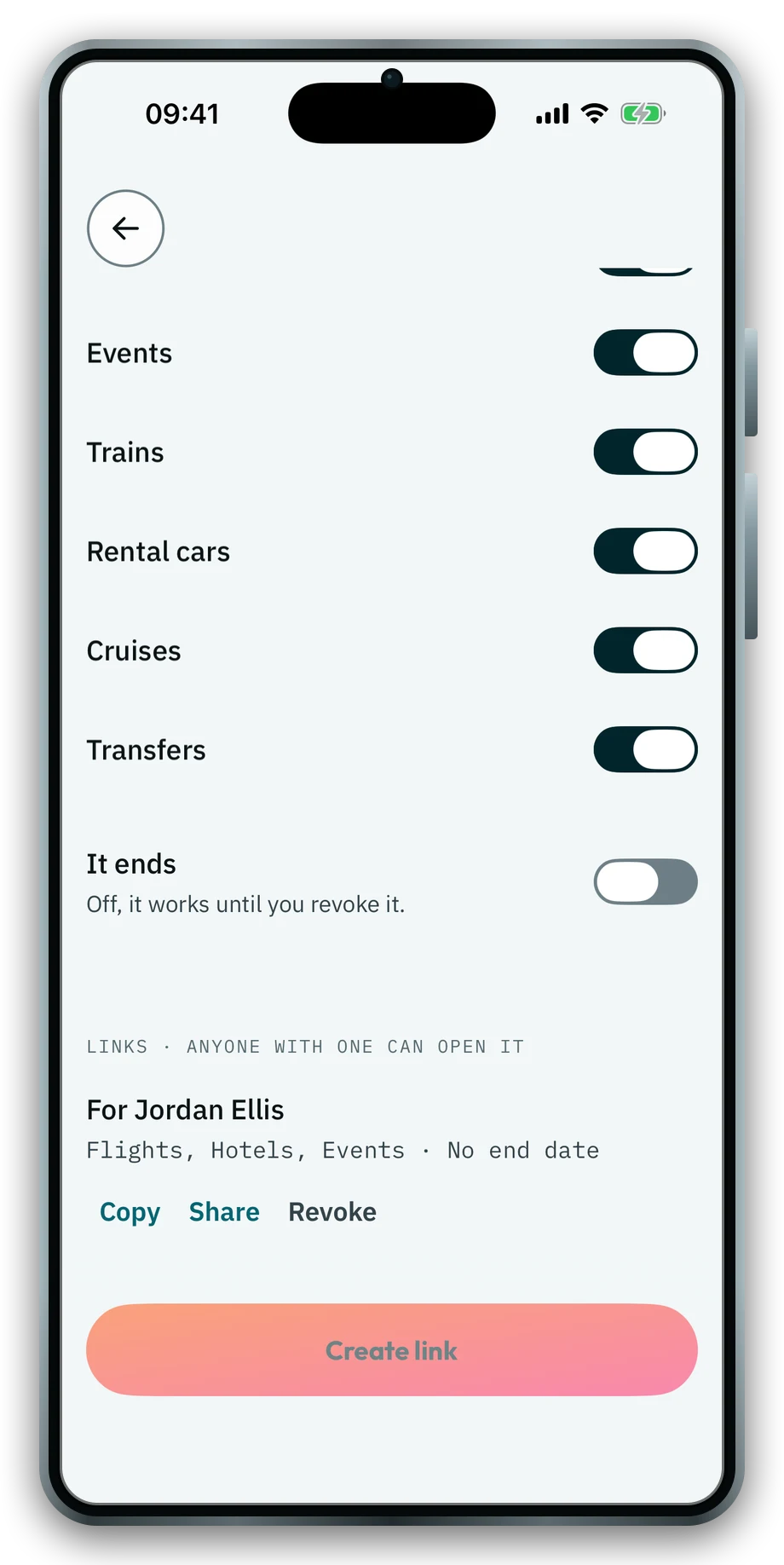
The Nextleg sharing screen on a phone: a link made for Jordan Ellis, listed with Copy, Share and Revoke.
Share a link. Revoke it any time.
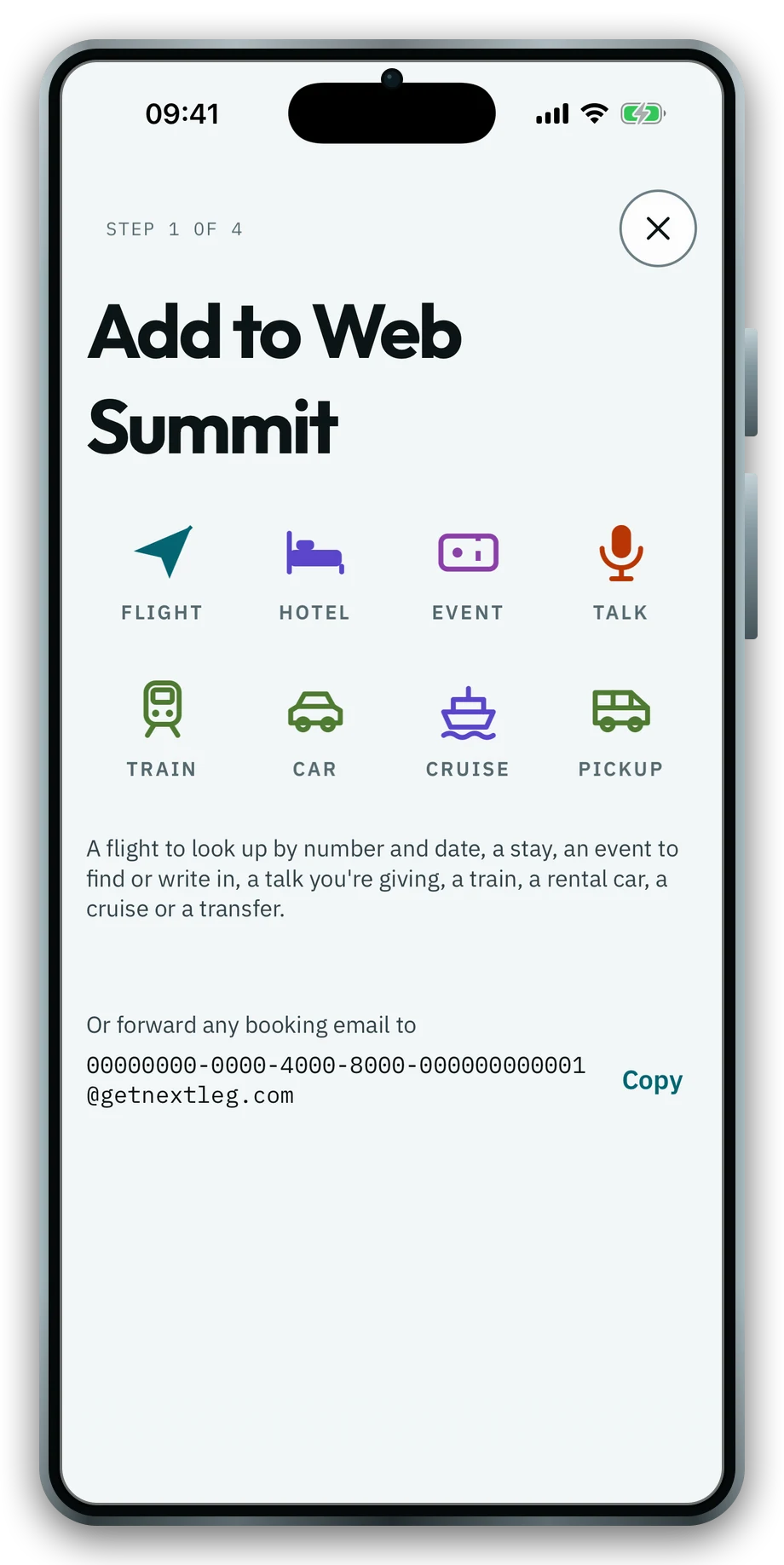
The first step of adding something to a trip in Nextleg on a phone: icons for Flight, Hotel, Event, Talk, Train, Car, Cruise and Pickup, and the trip’s own address to forward a booking email to instead.
Add anything, or forward it.

Throw anything at it.